

WebMCP Explained: How AI Works with a Live Web Page

What you’ll learn
- What AI has to infer from the interface during conventional browser automation
- How WebMCP makes a site’s features, inputs, and outputs explicit to AI
- How JavaScript registration differs from describing an HTML form
- Where WebMCP sits beside MCP, OpenAPI, A2A, NLWeb, and conventional browser automation
- Why permissions, confirmation, evaluation, and fallback paths should be decided before adopting WebMCP
WebMCP’s role: describing page features to AI
WebMCP is a proposal that lets a website describe features such as “find a product” or “fill in this form” directly to AI. Because AI can use the feature inside the page a person is viewing, it has less need to infer the purpose of every button and field from appearance alone. The person can inspect the inputs and results in the same interface.
The proposal comes from the Web Machine Learning Community Group at W3C (the organization that develops web standards). The September 17, 2026 version referenced here is a Community Group draft (a proposal from a group that develops and discusses technical ideas), not an established W3C Standard.[1]
The similar name MCP (a common communication protocol connecting AI apps to external data and features) can also cause confusion.[6] This article explains how WebMCP works, when to use related technologies, and the conditions for a safe trial. By the end, you should be able to identify a feature on your site that could be suitable for testing WebMCP. For MCP’s basic structure, see the MCP introduction.
Browser automation and WebMCP: interface inference and defined features
Conventional browser agents inspect screenshots or the page’s internal structure, then click and type as a person would. They can use the DOM (the structure describing page elements such as headings and fields and their parent–child relationships) and the accessibility tree (information that communicates the roles of buttons and fields to tools such as screen readers).
The agent still has to infer that one button means purchase and one field means surname. Similar controls, a redesign, or a long sequence can introduce ambiguity. Chrome calls these interface actions actuation (carrying out clicks and text entry).[2]
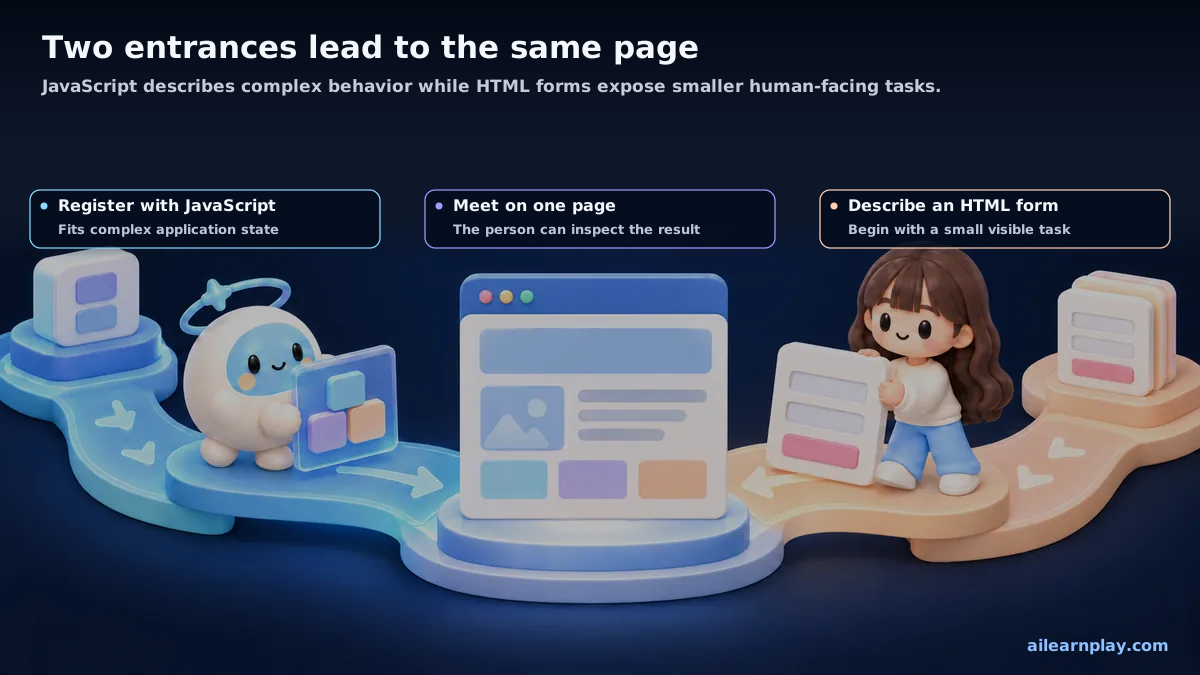
With WebMCP, the site tells AI the feature’s name, required inputs, and the operation it performs. A travel site could register “search for trips” as a tool (a feature AI can call). AI reads the description, supplies information in the specified fields, and runs the search.
A library analogy helps. Conventional automation may infer the borrowing process from shelves and signs. WebMCP is closer to the library stating that a book search accepts a title or author and returns matching records.
These shared rules about a feature’s purpose, accepted information, and returned result are called a contract in technical discussions. This is not a legal agreement. The library analogy illustrates how to describe a service; it does not mean that a WebMCP operation will always succeed.
The tool runs in the open page and can display search results or input values in the same interface. The person can therefore inspect what AI entered and what result it received.
Sharing the page, signed-in state, and current inputs is a major difference from using only an API (an interface through which a program calls another feature) outside the page.
WebMCP does not limit communication with AI to one method and can be combined with MCP. The site describes the available features, while the browser mediates interactions with AI according to the page’s current state and the permitted scope of operations.[1]
Two ways to describe features: JavaScript and HTML forms
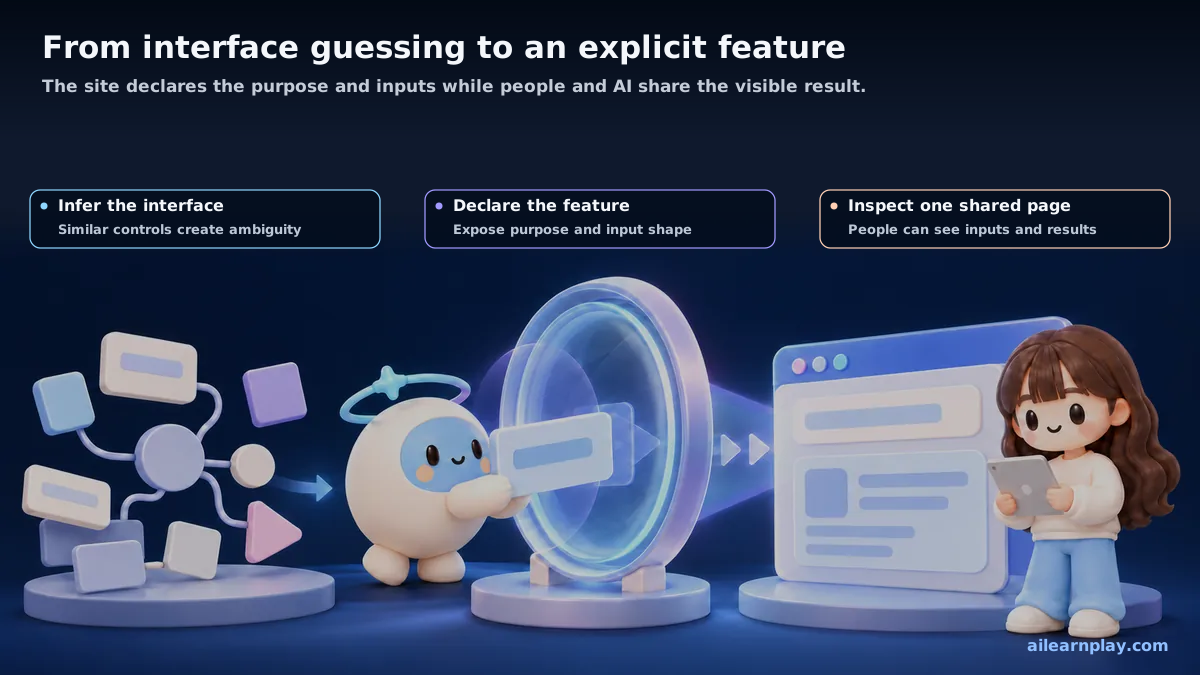
WebMCP offers two ways to describe a feature. One registers application behavior with JavaScript (the programming language used to define how web pages behave). The other adds descriptions to an HTML form (the input and submission mechanism behind search boxes and inquiry forms).
| Path | What it uses | Suitable situation | Relationship to the human interface |
|---|---|---|---|
| JavaScript registration | A feature name, input shape, and operation as one unit | Search, editing, or other behavior tied to application state | Results can return to the same interface |
| HTML-form declaration | Added descriptions on an existing form and its fields | A simple feature such as search, inquiry, or filtering | The ordinary form remains usable without WebMCP |
With JavaScript, a developer registers page behavior as a tool. AI reads the tool’s name and expected input format, then supplies information organized by field. The draft includes registration, listing, execution, removal, and cancellation.[3]
The HTML path adds explanations of what a form does and what each field means. The browser uses that information to describe the required input to AI. A design can still leave final submission to the person.[4]
A useful starting point is to choose one feature for AI while retaining the existing interface. Adding descriptions to HTML is a candidate for a small search form; JavaScript registration is a candidate for behavior closely tied to the page’s current selections or other state. This distinction is enough to begin planning without memorizing API names.
Supporting WebMCP does not require a separate AI-only interface. Ideally, the design starts with search fields and confirmation screens that people understand, then describes those same features clearly to AI.
The different roles of MCP, OpenAPI, A2A, and NLWeb
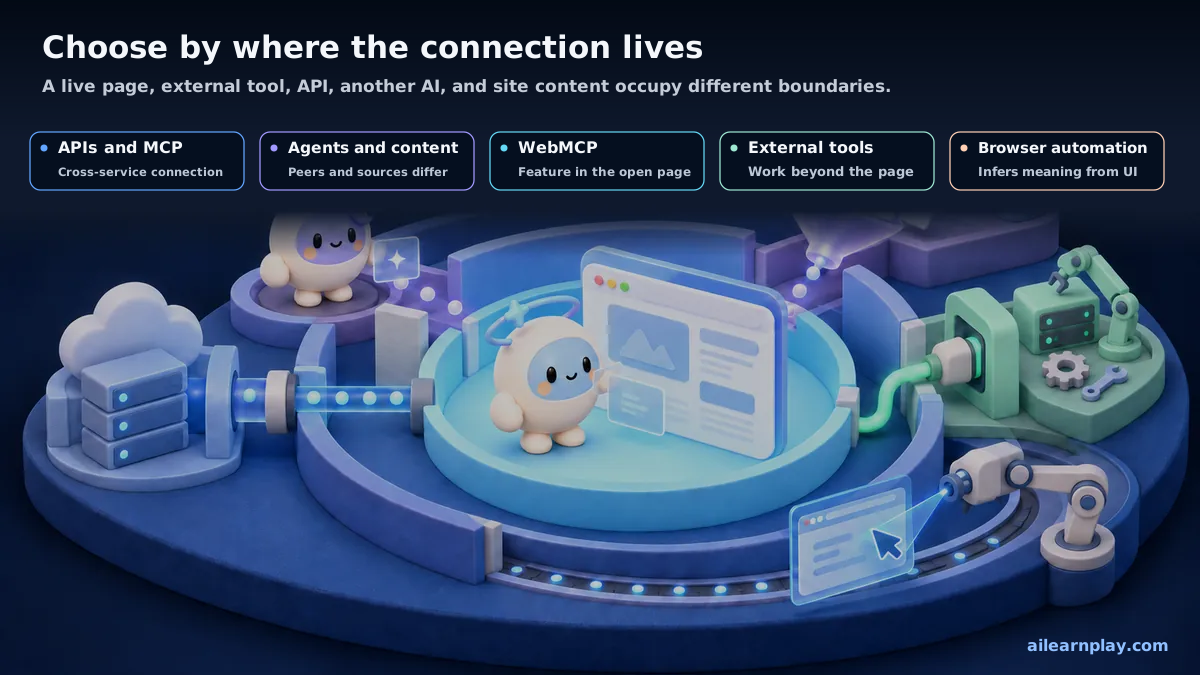
Related technologies are easier to choose between by asking where the feature lives, whether it must remain available after the page closes, and who connects to whom. WebMCP handles interactions with an open page, MCP connects AI to external features, and A2A coordinates separate AI agents.[5][6][8]
The other names in the comparison describe different roles:
- OpenAPI (a specification for describing how to use a web API): It records call locations, required inputs, and returned results in a format programs can read.[7]
- A2A (a communication protocol for independent AI agents): It allows agents to delegate work and exchange results.[8]
- NLWeb (an initiative for querying and searching website information in everyday language): It supports conversational discovery of content such as products and recipes.[9]
| Technology | Primary connection | Best fit | Difference from WebMCP |
|---|---|---|---|
| WebMCP | The open web page and AI interacting with it | A person and AI acting in the same interface and signed-in session | Exposed features become unavailable when the page closes |
| MCP | An AI app and data or tools outside the page | Work used by several apps or continuing without the page | Does not depend on the state of an open page |
| OpenAPI | A web API provider and consumer | Describing API locations, inputs, responses, and authentication | Can describe an existing API used behind a WebMCP feature |
| A2A | Independent AI agents | Agents discovering one another, delegating work, and returning results | Coordinates agents rather than an open page’s feature |
| NLWeb | Website information and natural-language questions | Conversational discovery over products, recipes, places, or other content | Centers on questions about content rather than operating the open interface |
| Browser automation | A human interface and an automation program | Broad coverage, including sites without WebMCP | Reaches more sites but has to infer interface meaning |
Chrome likewise describes MCP as a continuing connection to a site’s server (a computer that stores data and performs processing), and WebMCP as a temporary capability tied to an open tab.[5] OpenAPI describes API call locations, required inputs, returned results, and authentication methods.[7]
A2A’s documentation describes MCP’s agent-to-tool connection and A2A’s agent-to-agent connection as complementary.[8] NLWeb uses formats such as Schema.org (a shared vocabulary for describing information such as products and recipes) to let people ask questions about website content in everyday language.[9]
NLWeb may fit conversational product discovery, WebMCP may fit manipulating filters on the open product page, and MCP or a conventional API may fit order history after the site has closed. The choice depends on which feature is needed and in what situation; the technologies can be combined.
Permissions, confirmation, evaluation, and fallback for safe adoption
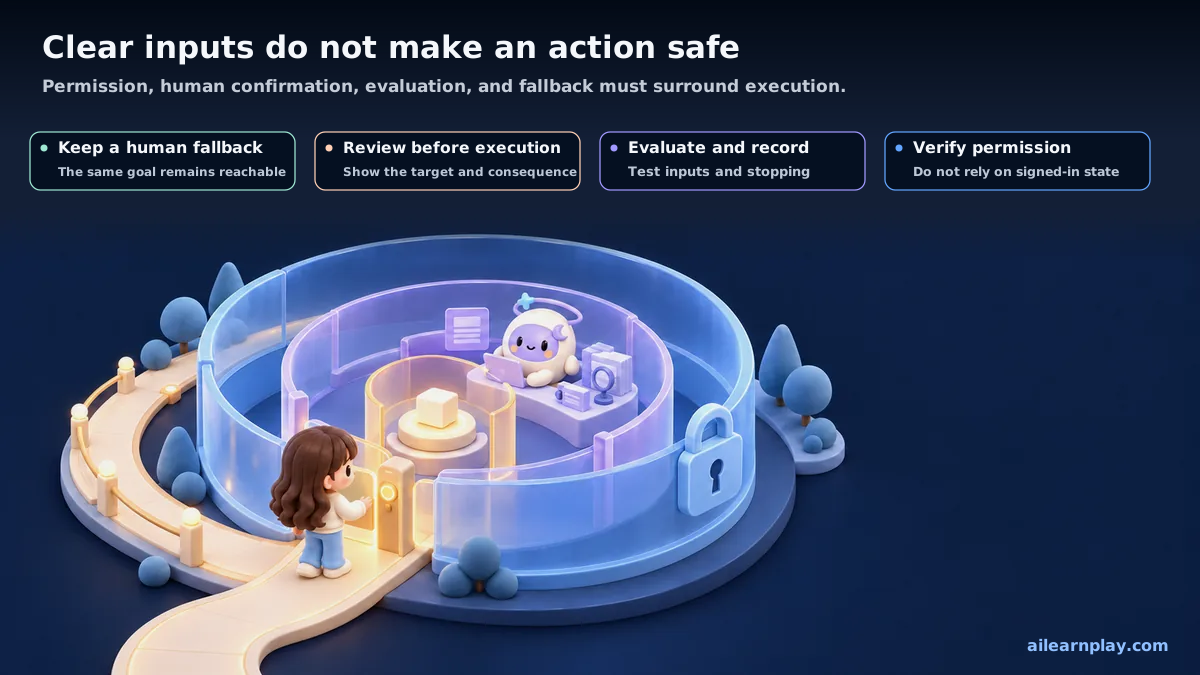
Defined feature names and inputs reduce guesswork, but they do not guarantee safety. A page contains the user’s signed-in state, so a poorly bounded feature can still contribute to an unwanted purchase, account change, or data disclosure. Indirect prompt injection (an attack that embeds instructions in external text to steer AI toward an unintended action) is another risk. AI may mistake those instructions for the person’s request.
Chrome’s preliminary guidance allows a tool to indicate whether it is read-only (retrieving information without changing stored content), may return untrusted content, or performs an action with significant consequences.[10] These descriptions do not replace identity checks or permission to carry out the action under business rules.
The first evaluation should check the following conditions.
| Condition | Design for the first evaluation | If it cannot be met |
|---|---|---|
| Effect of change | Begin with read-only or reversible search, display, or drafting | Do not expose purchasing, sending, or deletion |
| Identity and permission | Keep the server-side check of who may do what | Do not treat a signed-in page as sufficient permission |
| Human confirmation | Show the action, target, amount, or recipient before commitment | Do not finalize a consequential action automatically |
| Input and output | Keep fields and formats narrow and return only the needed result | Do not accept unrestricted prose or return the entire page by default |
| Evaluation | Check feature selection, inputs, ordering, and stopping after failure | Do not make a production decision from one successful demo |
| Fallback | Keep a human interface for the same goal without WebMCP | Do not make a critical operation depend on one browser |
Testing should separate the program’s behavior from AI’s decisions. For the program itself, check whether a fixed input produces the expected result. For AI, assess whether it chooses the right feature, supplies appropriate inputs, follows the correct sequence, and stops safely after a failure.
Chrome’s evaluation guide likewise separates conventional tests from probabilistic evaluation (examining multiple runs because results may vary) of the parts involving AI decisions.[11]
Specification, browser support, and prototypes as of September 2026
As of September 2026, the draft, browser support, prototypes, and production adoption need separate labels. WebMCP is not yet a standard broadly available to everyone without setup; it remains at a validation stage using enrollment or developer settings.
- Specification: It is a Community Group draft, so APIs and security design can change.[1]
- Chrome: Chrome 149 introduced an origin trial (a way for registered sites to test a new feature for a limited period). Developers can also enable an experimental setting on their own machines.[2]
- Prototypes: Public examples include travel search, product configuration, order tracking, editing, and in-browser data analysis.[12][13]
- Adjacent services: Cloudflare announced a developer preview (a trial release for developers) for adding WebMCP capabilities to existing sites.[14]
These examples show a possible range of interactions. They do not prove production use with the same success rate or business effect. The strongest current fit is work where a person keeps the page open and inspects a visible result, such as search, filtering, diagnostics, or drafting.
An evaluation should record more than whether the feature worked once. Check whether the person understood the result, invalid input was stopped, and the same goal remained possible in an unsupported environment.
Assessing readiness for practical use involves more than counting features. It also requires checking whether the permitted scope of actions and human confirmation behavior can remain consistent across browsers.
The differences in current capabilities and execution conditions suggest an option to combine WebMCP with MCP and APIs by role, rather than treat it as their replacement. The current specification alone does not establish how widely this arrangement will be adopted. WebMCP can handle current interface state and visible confirmation, while MCP or APIs handle persistent data and long-running work.
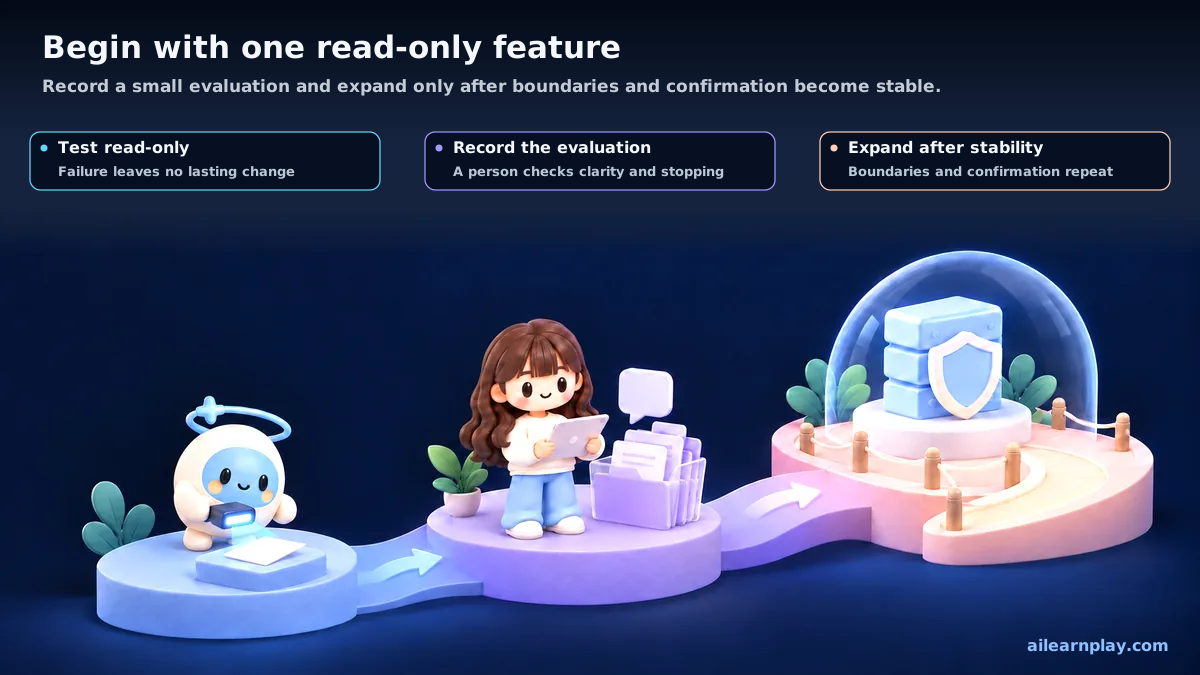
The first step is one feature that only reads information, shows the result on screen, and leaves no lasting effect when it fails. Keep the ordinary interface usable and check the current draft for the scope of features that can be exposed to AI. During the trial, record the features presented to AI and the execution results. If work must continue after the site closes, MCP or a conventional API is the appropriate starting point.
Summary: shared browser interaction and a read-only starting point
WebMCP lets a site describe its available features directly to AI while a person checks the actions and results in the same interface. MCP and APIs can complement that role by handling data access after the page closes and long-running processing.
As of September 2026, the specification and supported environments may still change, so a suitable first trial is one read-only feature with visible results and no lasting effects on failure. Success depends not only on whether AI completes the action, but also on whether people understand the result, permission and input errors are detected, and ordinary interaction remains possible in unsupported environments.
This article is a general information summary and is not legal advice. Confirm practical decisions with a qualified specialist.
References
- W3C Web Machine Learning Community Group, WebMCP, September 17, 2026
- Chrome for Developers, WebMCP, updated August 7, 2026
- Chrome for Developers, Imperative API, updated September 11, 2026
- Chrome for Developers, Declarative API, May 18, 2026
- Chrome for Developers, When to use WebMCP and MCP, updated May 19, 2026
- Model Context Protocol, Specification (2026-07-28), July 28, 2026
- OpenAPI Initiative, Introduction
- A2A Protocol, A2A Protocol
- NLWeb, What is NLWeb?
- Chrome for Developers, WebMCP tool security, updated September 1, 2026
- Chrome for Developers, Test WebMCP with Evals, updated May 28, 2026
- Chrome for Developers, 15 updates from Google I/O 2026, May 19, 2026
- OpenAI, WebMCP Challenge
- Cloudflare, Give any website a WebMCP interface, August 6, 2026
For the latest releases and updates, check the official website and official documentation.