

Claude Code Hooks: Setup and Automated Check Examples

What you’ll learn
- How Hooks connect a chosen moment and action to an automatic check
- When to use a before-action check, an after-action validation, or a notification
- How to separate automated checks from operations that still require human approval
Claude Code Hooks Start Checks at Predetermined Moments
Claude Code Hooks (automatic checks triggered before or after a chosen action) can start before the AI changes a file or after it runs a command. The pattern resembles checking the total before paying at a register and comparing the receipt afterward. Hooks suit repeatable checks, but they do not replace a person’s decision to approve publishing or deletion.
By the end of this article, you will have practical criteria for answering “Should a Hook run before or after an action, what should it automate, and what still needs human approval” in your own context.
Before-Action Checks Can Stop Work; After-Action Checks Inspect Results
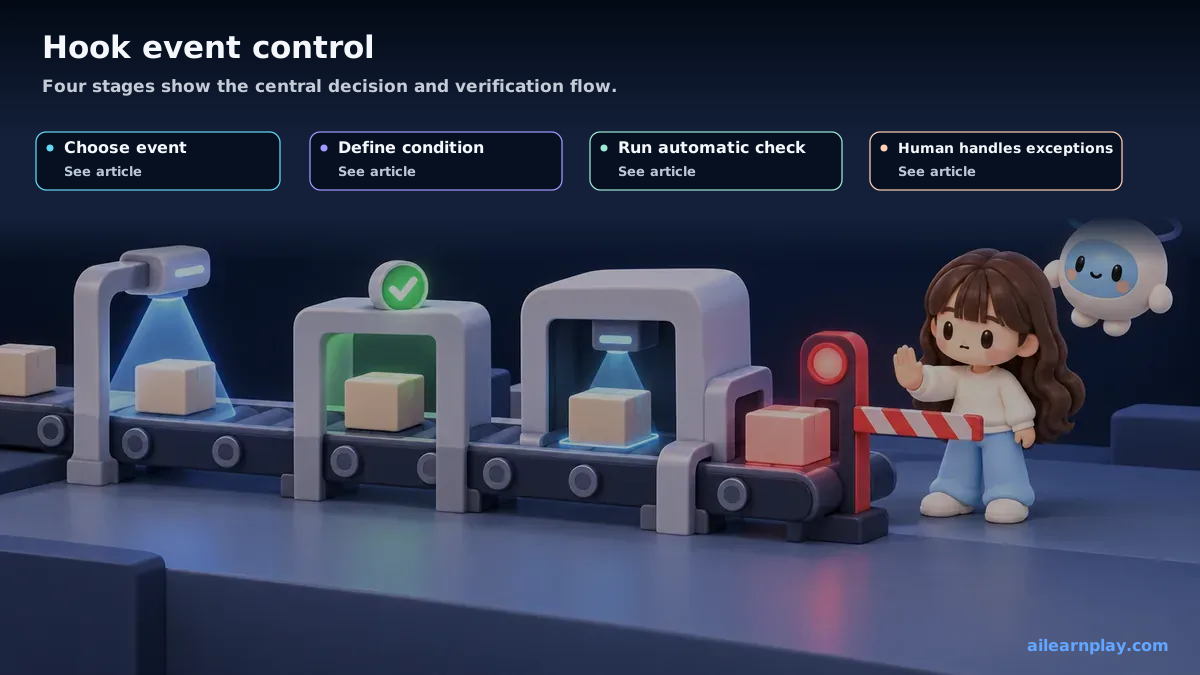
Hooks can run at several moments. The clearest starting distinction is between PreToolUse, which runs before an action, and PostToolUse, which runs afterward. Here, a tool means a Claude Code capability for actions such as editing a file or running a command.[1]
| Moment | Best purpose | Example | Decision that remains human |
|---|---|---|---|
| Before the action | Prevent work that fails a condition | Ask for permission before publishing or changing an important file | Whether the action should proceed |
| After the action | Check whether the result meets a standard | Inspect headings and links after an article changes | Whether and how to fix a finding |
| Notification | Tell a person that attention is needed | Announce that a long task finished or approval is waiting | Whether to start the next step |
An after-action check cannot undo an operation that has already happened. To stop the operation itself, the before-action Hook must identify it and return a denial or a request for confirmation to Claude Code.[1]
Backups, Notifications, and Validation Solve Different Problems
A Pre-edit Backup Supports Comparison and Recovery
Saving an earlier copy before changing an important document makes comparison easier. A backup alone does not guarantee safe recovery. Decide where it is stored, how long it remains, and how to restore it.
A Warning About a Risky Action Does Not Replace Approval
A notification before production publishing or data deletion helps a person notice the operation, but a notification alone does not stop it. An approval-required operation needs a before-action stop plus a named approver and clear conditions.
Post-edit Validation Finds Repeatable Problems Earlier
Automatically checking headings, links, and required article information after an edit reduces the burden of remembering the same inspection every time. A person still decides whether a result is correct and how exceptions should be handled.
Configure a Hook by Moving from Purpose to Trigger Conditions
The practical configuration records when to react, which operation should trigger the reaction, and what check to run. Exact configuration names and formats can change, so confirm the current input and output structure in Anthropic’s Hooks reference.[1]
Introduce one Hook at a time in this order:
- Name the problem: for example, missed approval before publishing or a broken link after an edit
- Choose the moment: run before the action to stop it, or afterward to inspect the result
- Narrow the target: react only to the kinds of operations that need the check
- Define pass and fail: decide what counts as success and whether failure stops work or produces a warning
- Test with a low-risk example: confirm that the Hook runs only at the intended moment
- Keep a recovery path: make it possible to disable a faulty Hook and return to the earlier process
Deciding these six points before copying a configuration example reduces the chance of running automation that does not solve the intended problem.
Summary: Automate Repeatable Checks and Keep Permission and Exceptions Human
Start with one check whose conditions are the same every time, then decide whether it belongs before or after the action. Keep human approval for publishing, deletion, sending data outside the organization, and operations that create costs. If the conditions cannot yet be stated clearly, continue with a manual check instead of automating the decision.
References
- Anthropic, Hooks reference, Claude Code Docs
For the latest releases and updates, check the official website and official documentation.