

How to Write CLAUDE.md: Three Types of Effective Instructions



What you’ll learn
- How CLAUDE.md gives Claude Code the project’s working assumptions
- Three useful categories of content, including Non-Negotiable Rules
- How to keep the file focused on persistent instructions and write concrete, verifiable rules
Keep CLAUDE.md Focused on Repeated Working Assumptions
CLAUDE.md is an instruction file that gives Claude Code persistent project context. On this site, moving approval boundaries, terminology, and reference locations into standing instructions reduced omissions between conversations. Markdown instructions cannot guarantee that an operation is blocked, so commands that must be stopped need permission settings, hooks, or another runtime control.
By the end of this article, you will have practical criteria for answering “What belongs in CLAUDE.md, and what should remain in conversation or an enforcement mechanism?” in your own context.
Design the Boundary of Standing Instructions in CLAUDE.md
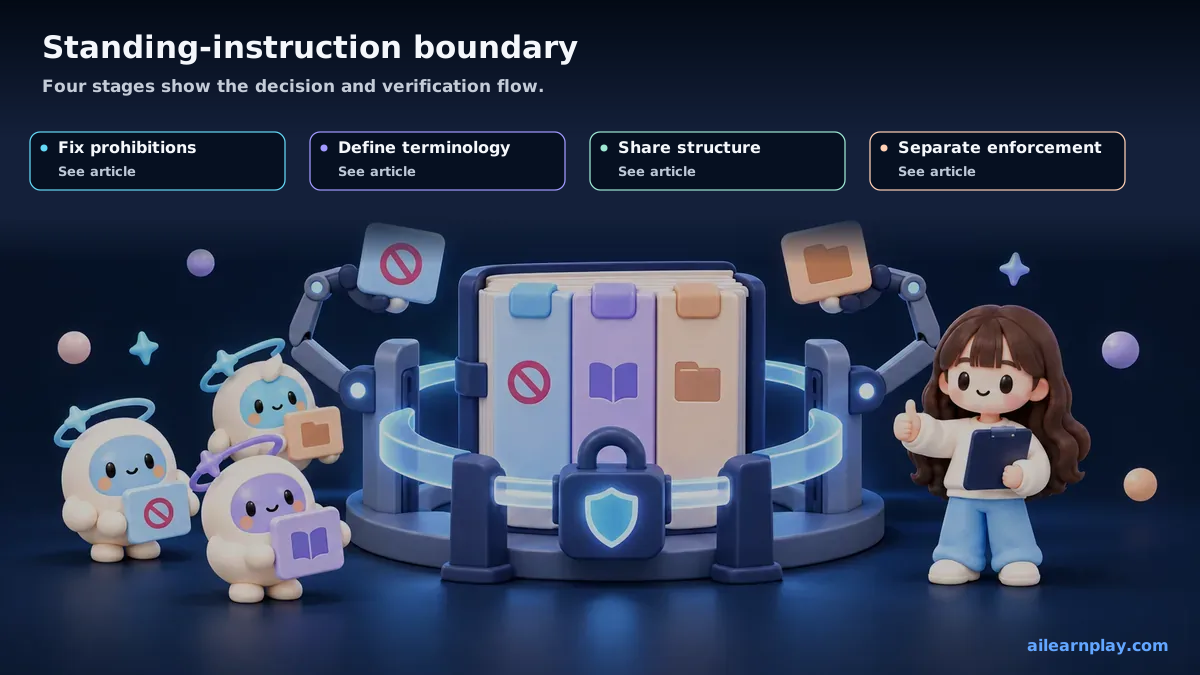
CLAUDE.md is a project instruction file that helps Claude Code reference project background and policy. To keep this article simple, I describe the common pattern of placing it at the project root. In practice, Claude Code memory and settings have multiple scopes, and the instructions used can vary depending on the working directory and configuration.[1][2]
In short, it is how I tell AI in advance how it should behave in this particular project.
Before and After Adding CLAUDE.md
Without CLAUDE.md, AI operates on general judgment. Here is a specific problem that illustrates the difference.
While building this site, I had communicated to AI that it should only run the production build command after receiving my explicit approval. But I had not written this anywhere in a project instruction file. On several occasions, in the middle of other tasks, AI attempted to execute the production build command. It was not acting maliciously. It had judged the deployment step as a necessary part of completing the work.
After I added the following to CLAUDE.md, Claude became more likely to ask for confirmation. Markdown alone cannot enforce the rule mechanically. Use permission settings, hooks (automatic actions at defined times, such as before or after a command), or another runtime control for operations that must be blocked.
## Non-Negotiable Rules

- Do not run `npm run build` without explicit user approval. It triggers a production build.
Put Prohibitions, Terminology, and Directory Structure in CLAUDE.md
There are three categories of content that consistently improve AI behavior when included in CLAUDE.md.
Prohibition rules
These specify operations that should require explicit approval. Examples: “Do not run the production build command without approval,” “Do not modify the existing navigation structure,” “Do not commit sensitive information.” Direct wording makes the instruction clearer. Use permission settings or hooks when the runtime must block the operation mechanically.[2]
Term definitions
These clarify the meaning of project-specific vocabulary. For example: “In this project, ‘blog’ refers to files under src/content/blog/” and “Documents refers to files under src/content/docs/.” Without these definitions, AI can interpret an instruction like “write an article” in ways that lead it to the wrong directory.
Directory structure explanation
This tells AI where things are. As a project grows, it becomes easier for AI to misplace files or look in the wrong location. Explaining the role of each major directory in CLAUDE.md helps AI place and reference files correctly.
Keep CLAUDE.md Short, Specific, and Persistent
A long CLAUDE.md makes critical rules harder to find and forces AI to process unrelated instructions at the start of each task.
The practical approach I use is to write only the overall project orientation and the most critical rules in CLAUDE.md, and to move detailed rules and procedures into separate files under shared/rules/ and shared/skills/. CLAUDE.md then points to those files for specifics.
Summary: Keep CLAUDE.md Focused on Standing Instructions and Separate It from Enforcement
CLAUDE.md tells AI how to behave in this project ahead of time, reducing the need to repeat the same explanations in every conversation. Writing approval rules, term definitions, and directory structure explanations in this file makes AI behavior easier to align across sessions. The next article in this series covers how lessons.md records past problems to reduce recurrence risk.
Start with one premise you explained repeatedly in recent work and rewrite it as a short, specific standing instruction. One-time requests and operations that permissions, hooks, or CI (continuous integration checks that run automatically) must block mechanically should not rely on CLAUDE.md alone.
References
- Anthropic, How Claude remembers your project, Claude Code Docs
- Anthropic, Claude Code settings, Claude Code Docs
For the latest releases and updates, check the official website and official documentation.